claude + radar → claudar
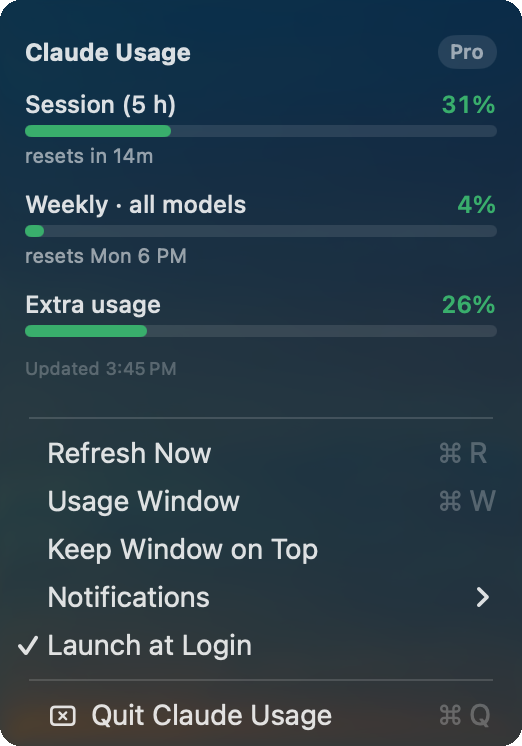
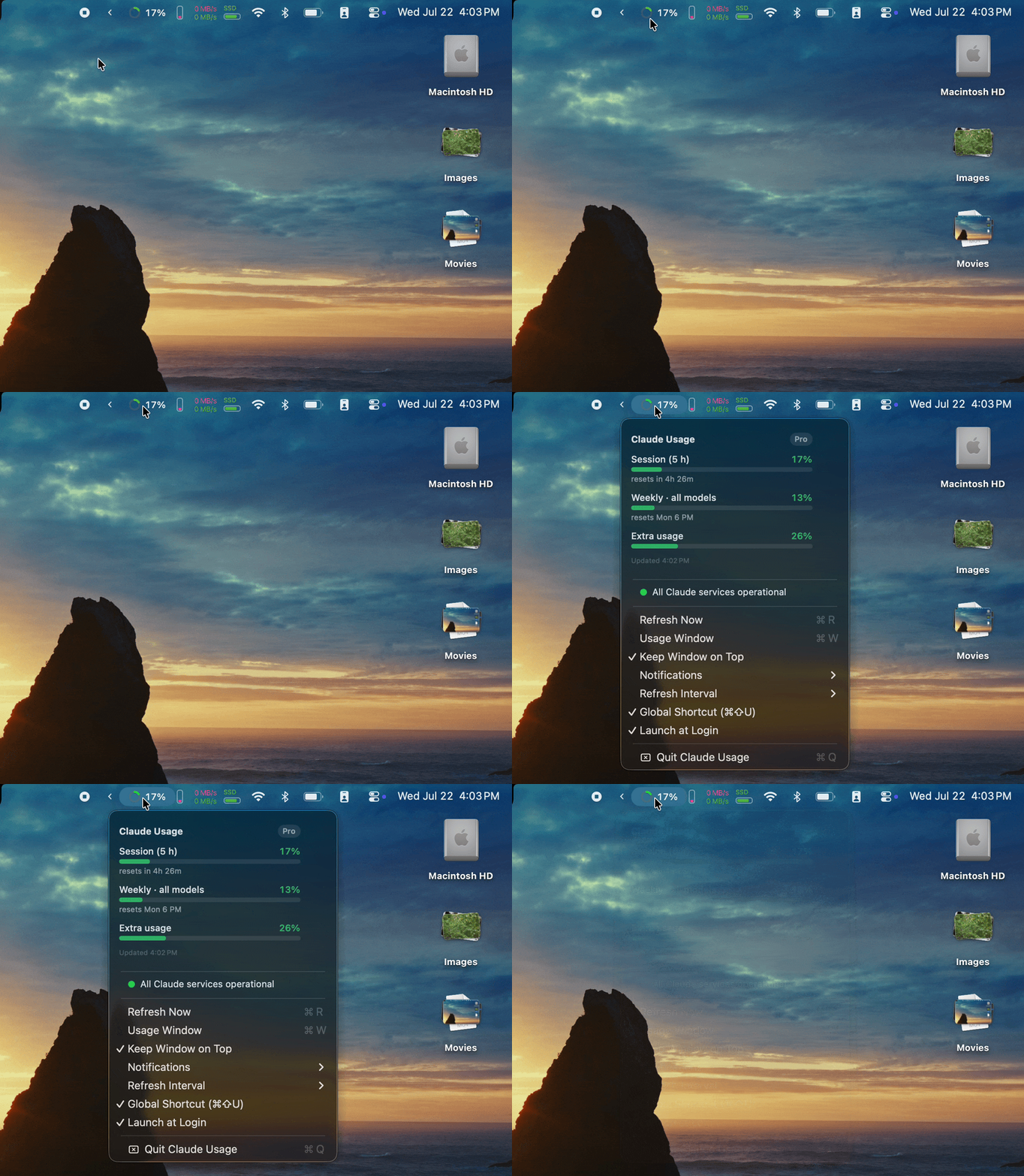
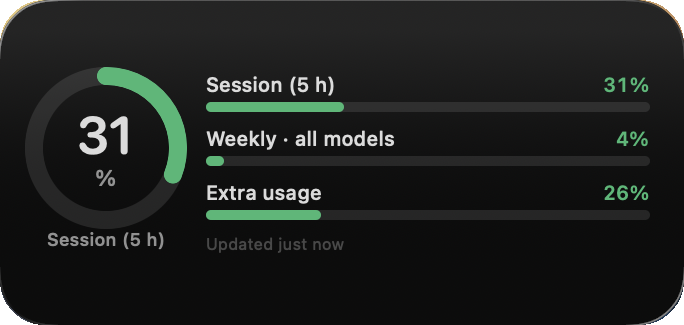
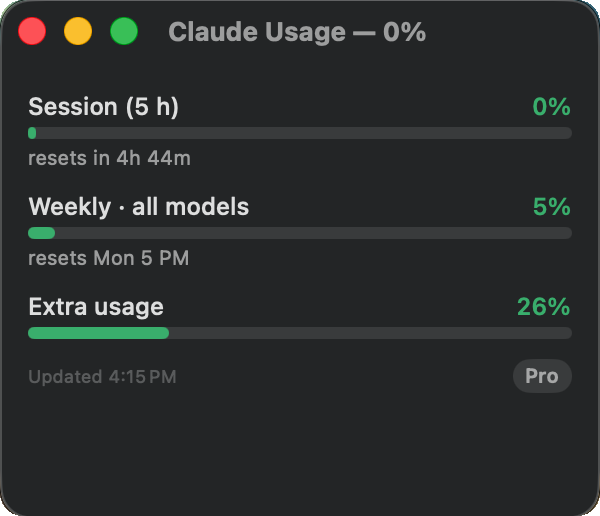
The same numbers as Claude Code's /usage, tracked live from your macOS menu bar, a desktop widget, and a status window. You'll see the reset coming before you hit it.
Unofficial: not affiliated with Anthropic. Claudar reads your Claude sign-in from your Keychain, talks only to Anthropic's servers, and has no telemetry. Needs macOS 14+, an active Claude subscription, and either the Claude Code CLI signed in or a one-time claude.ai sign-in. MIT licensed.
Every limit Claude gives you, with a countdown to its reset. Pick where you want to see it.
Claudar works out of the box with your Claude Code CLI sign-in. One quirk comes with that, and a one-click fix.
Claudar reads the credential that belongs to the CLI. Because macOS guards another app's credential, it asks for your password to authorize access, and that authorization resets every time the CLI refreshes its token (a few times a day). So the prompt comes back periodically.
That's macOS doing its job, and nothing in Claudar can stop it. The upside: zero setup, and a token scoped to the CLI alone.
Turn on No-Prompt Mode (Menu → No-Prompt Mode → Sign In to claude.ai…). A sign-in window opens, you log in once, and Claudar stores the session in a Keychain item it owns. The prompts stop. No DevTools, no terminal.
The claude.ai session is broader than the CLI token (sent only to claude.ai) and expires every few weeks, at which point you sign in again. Turn it off any time to go back to CLI mode.
About a minute either way. Pick the one that matches how you like to work.
$ brew install --cask jpuritz/tap/claudar
$ xattr -dr com.apple.quarantine \
    /Applications/Claudar.app
Two lines, no dialogs. The second one clears the download flag so Claudar opens straight away (why that's needed).
Claudar-menubar.zip from the latest release and unzip it.One time only. Claudar opens normally from then on.
Why macOS blocks it the first time: signing an app so macOS trusts it on sight costs $99/year through Apple's Developer Program. Claudar is free and MIT-licensed, so I don't pay it. macOS therefore treats the app as unidentified and asks you to confirm once. Nothing about the app itself changes either way, and you can read every line of it or build your own copy from source.
On first launch, macOS asks to access Claude Code-credentials; click Always Allow. That's how the app reads your usage, or skip it entirely with No-Prompt Mode if you don't use the CLI. And if you want the desktop widget: the download and Homebrew builds are the menu bar + window version, so you build the widget yourself (free, needs Xcode; see the technical notes).